

FAQ - MiKEP View Statements
This page explains how to view your statements in MiKEP.
Step 1:
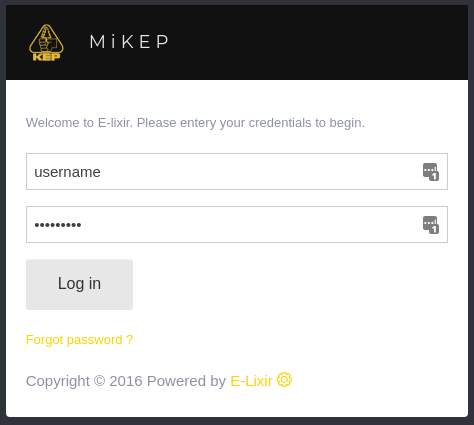
- Open Your Browser: Go to mi.kep.cw
- Log In: use your credentials to log in.
Step 2:
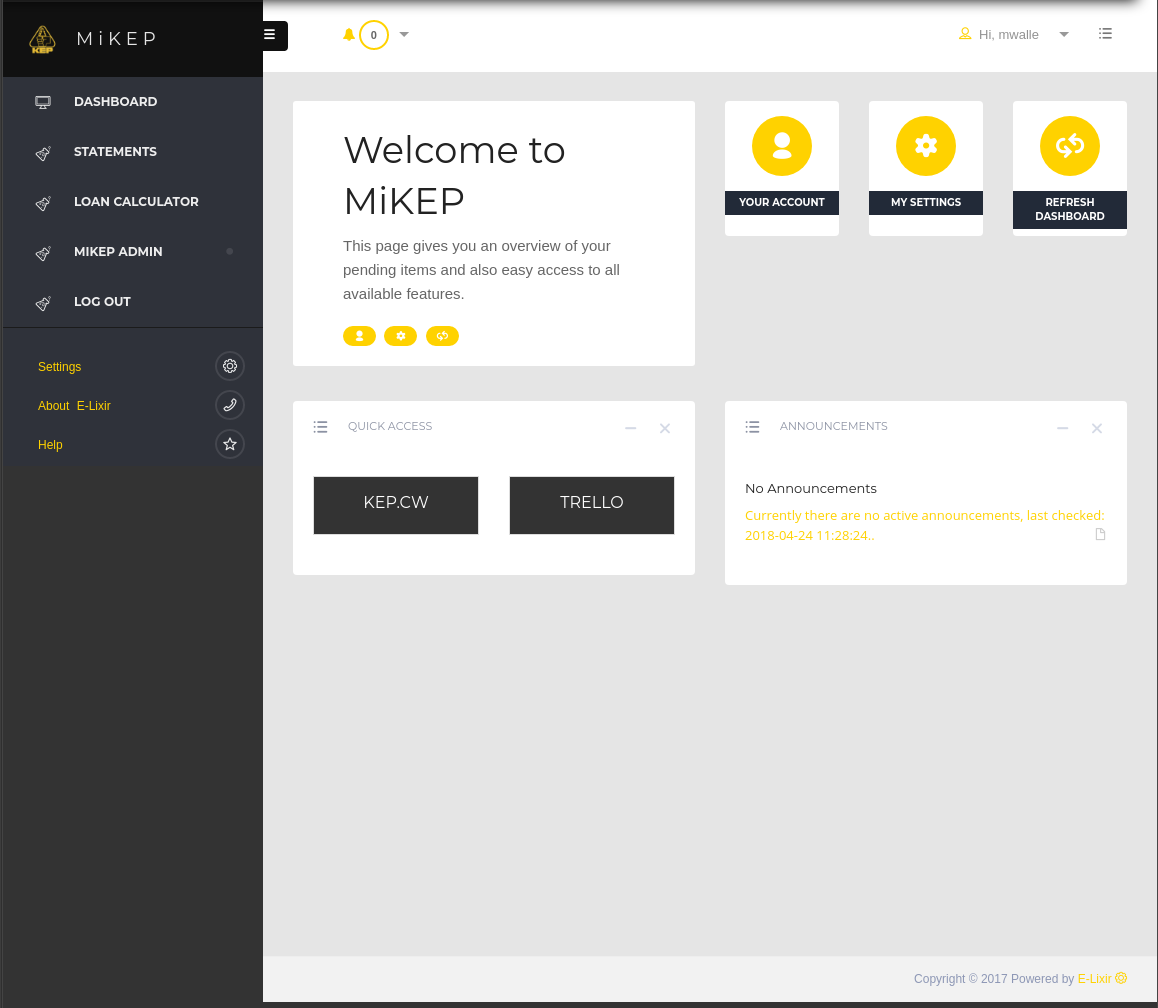
- Click on: Statements in the left menu bar.
Step 3:
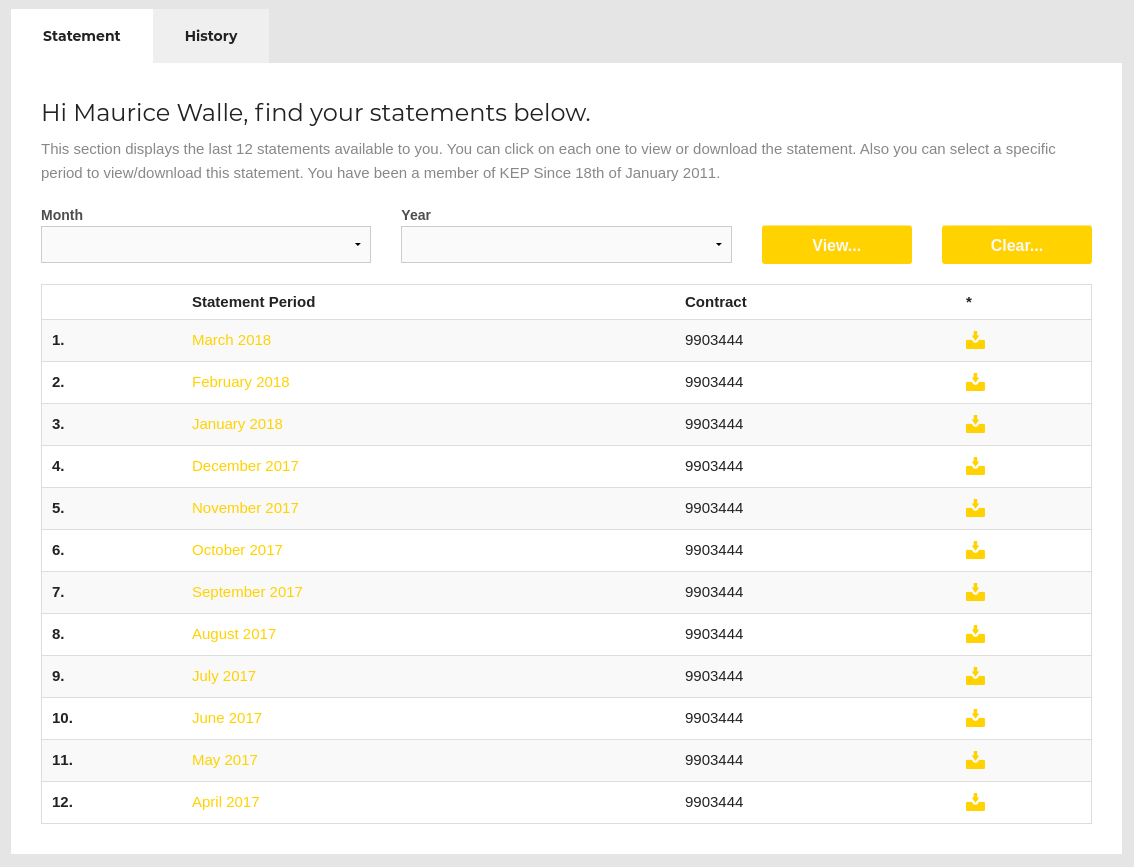
- Click on: The period you wish to see your statement.
View your statement:
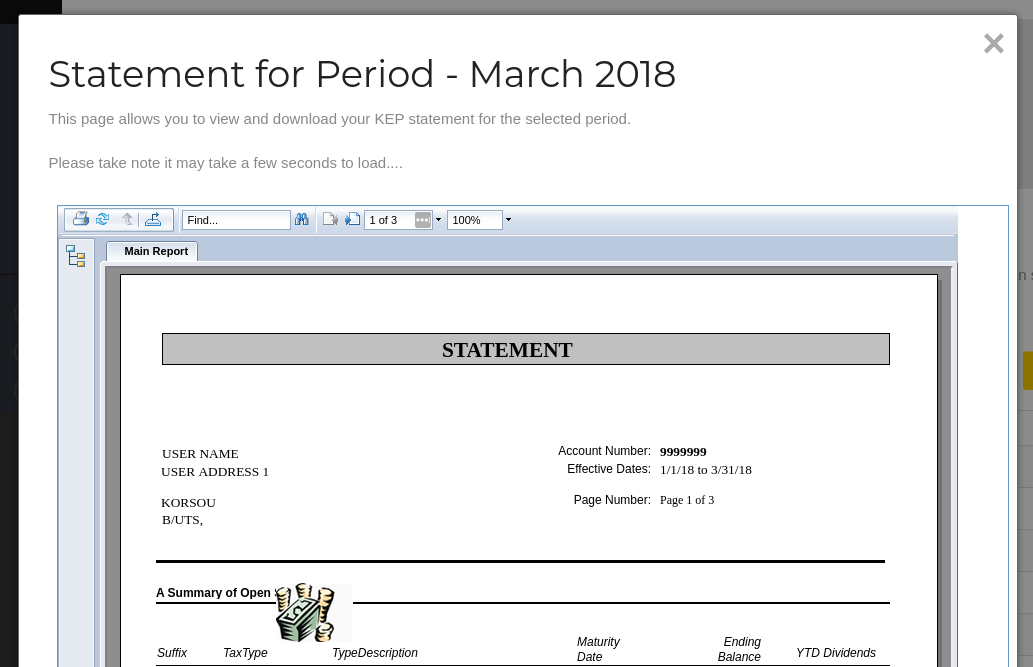
Undefined