

FAQ - MiKEP Online Loan Calculator
This page explains how to use the online loan calculator in MiKEP.
Step 1:
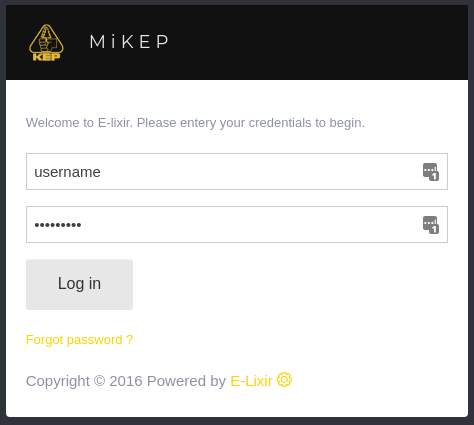
- Open Your Browser: Go to mi.kep.cw
- Log In: use your credentials to log in.
Step 2:
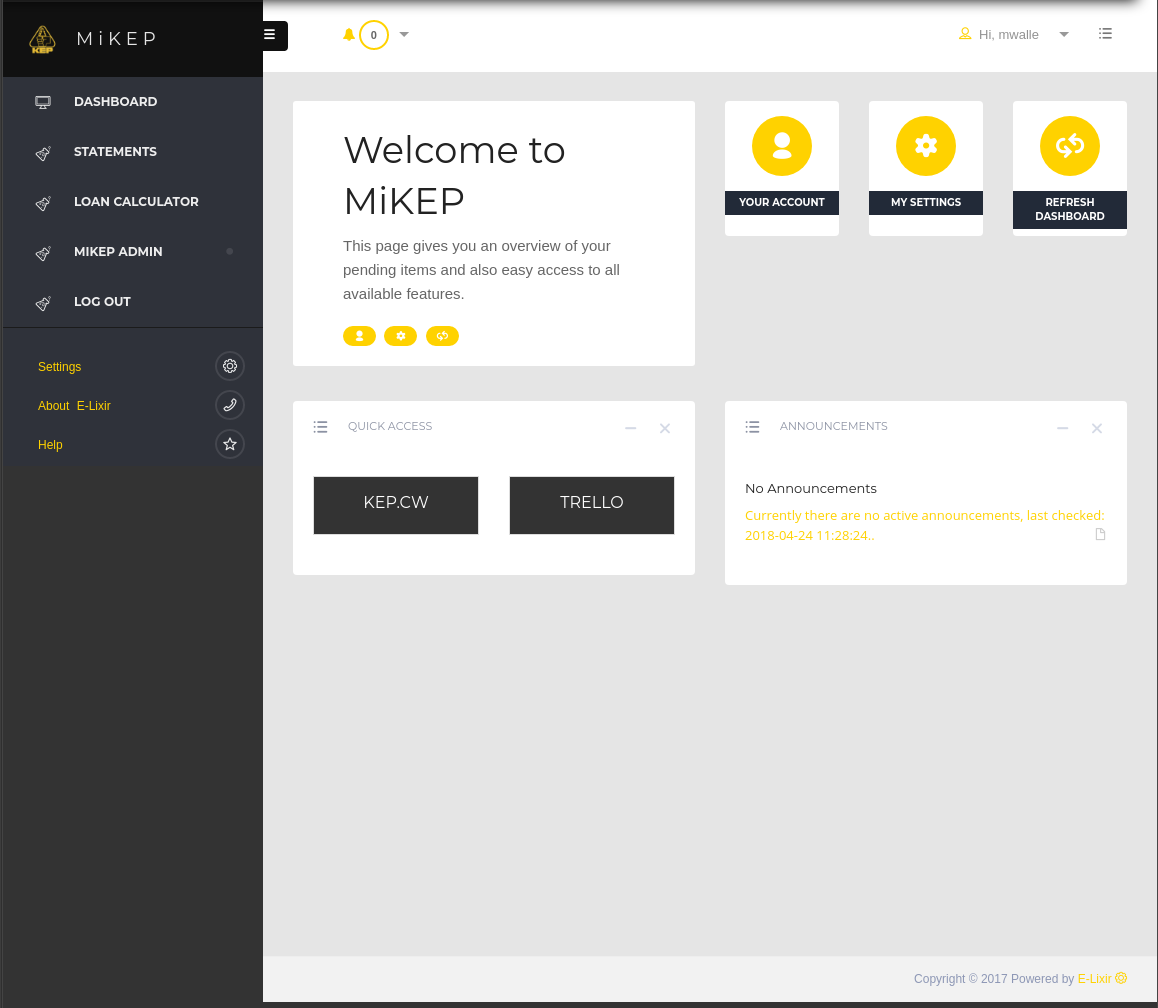
- Click on: Loan Calculator in the left menu bar.
Step 3:
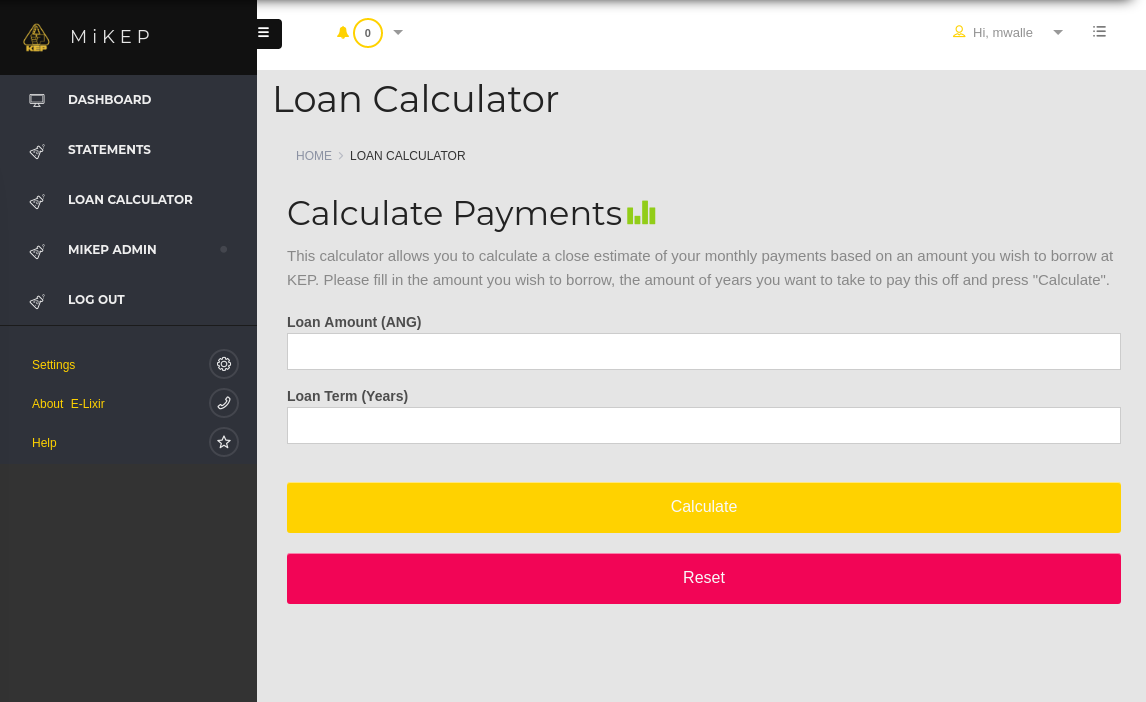
- Fill in: The amount you wish to borrow in ANG.
- Fill in: The the loan term in years.
- Click on: The button "Calculate".
See your loan calculation:
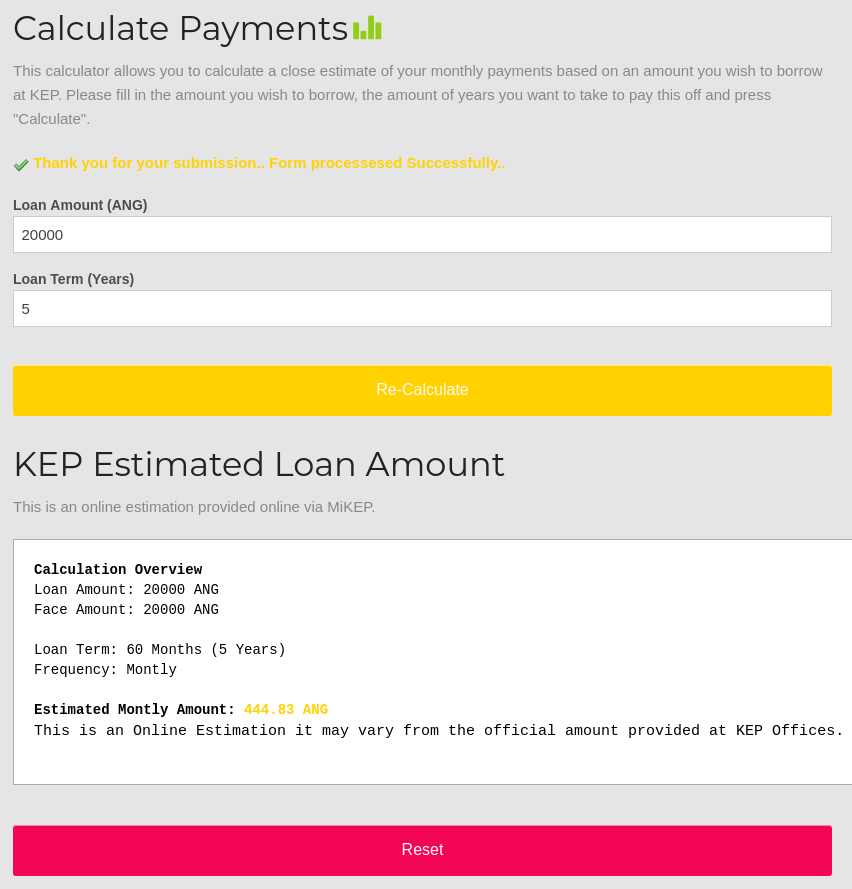
You can now review how much the loan will cost you on a monthly basis. If you like you can adapt the info and re-calculate the loan.
Back to FAQ's
Undefined