

FAQ - MiKEP Update Password
This page explains how to update your password in MiKEP.
Step 1:
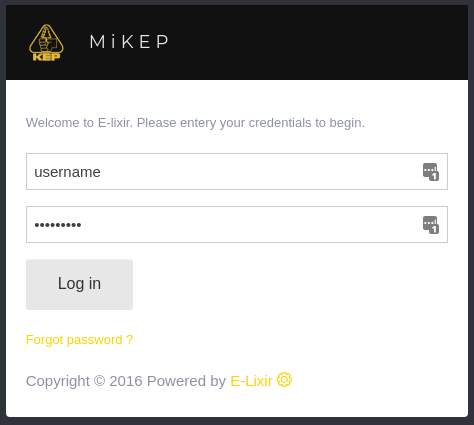
- Open Your Browser: Go to mi.kep.cw
- Log In: use your credentials to log in.
Step 2:
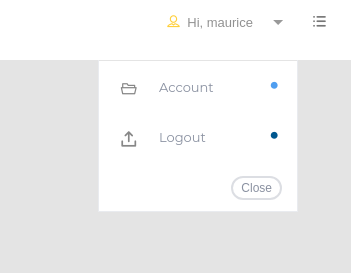
- Click on: "Hi, yourusername" in the top right corner.
Step 3:
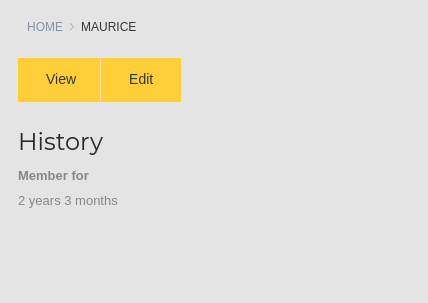
- Click on: Click on "Edit".
Update your password:
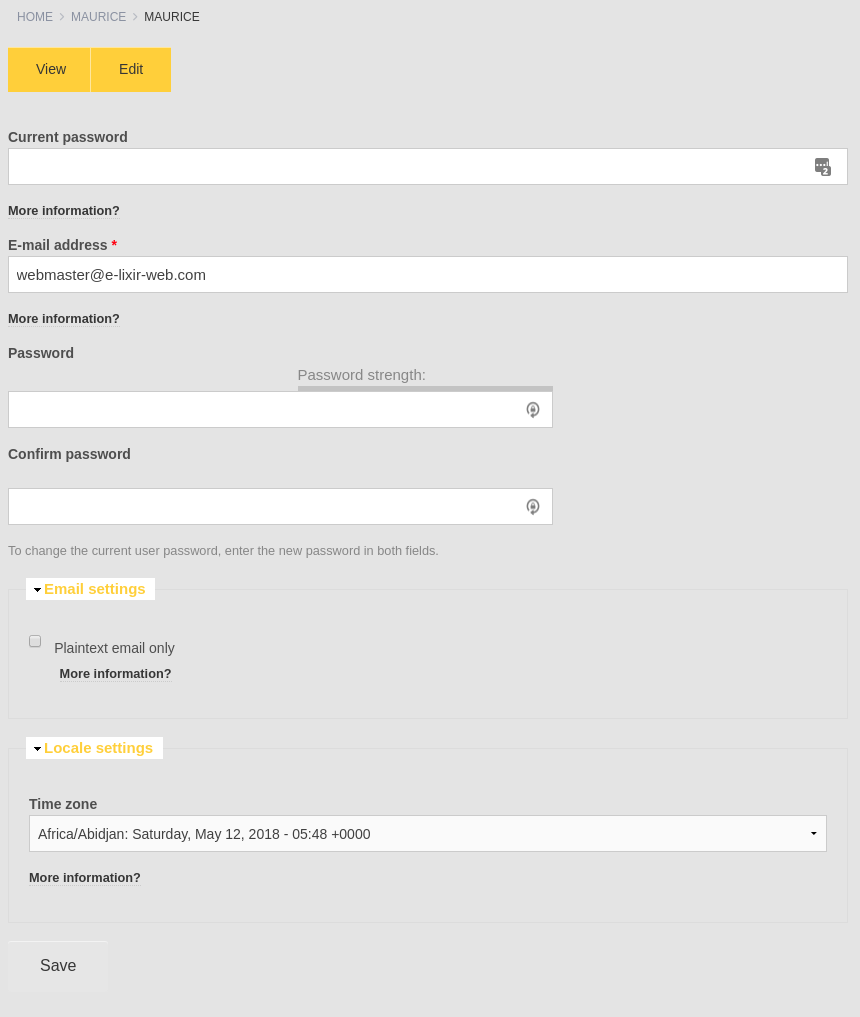
You can now fill in your existing password then your new password twice and click "Save" And your Password has been updated..
Back to FAQ's
Undefined